Build Your First AI App
Build a personal project tracker with AI. Learn to brief it, make it work and check it — even if you’ve never written code.
Beginner77-page PDF + companion ZIP£7.99
Explore the GuideBUILD BY PROMPT AI
Preparing the page.
ESSENTIAL GUIDE / BEGINNER
The picture in your head. Make it.
Think like a photographer. Learn how aperture, ISO, shutter speed, lens perspective and lighting shape believable images, then practise those decisions in AI.
Checkout opening soon. Explore the complete edition below.
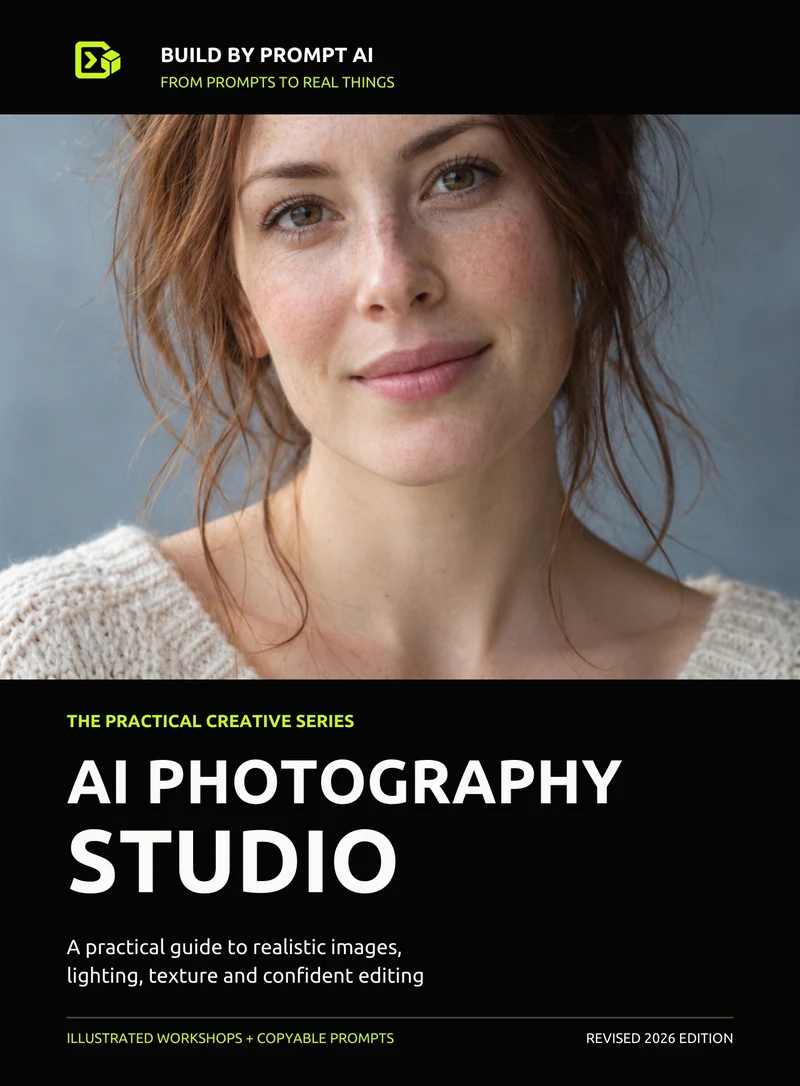
IS THIS YOUR STARTING POINT?
A portrait with softer light. A mug that feels ceramic. A scene with the atmosphere you imagined. Work through one decision at a time, then learn what to inspect before you keep the result.
THE PRACTICAL PATH
THE GUIDE + YOUR PRACTICE FILES.
The £7.99 price includes the guide and files shown here. Image tools and usage credits are separate.
REAL PAGES / EDITION 1.1
Compare a shallow-focus portrait with a deeper-focus interpretation, and learn why focus must make spatial sense.
Contrast a sharply frozen cyclist with a slower-shutter panning look, then check the direction of the motion blur.
Inspect the edge light, surface finish and lid connection, then use the brief to try the technique yourself.
Selected pages from the actual 108-page guide. The photographs are AI-generated teaching examples, not real camera exposures. Open a page to look closer.
BEFORE YOU COMMIT
Know the setup and possible costs before you begin.
Yes. Start with the first-image walkthrough, then learn how to describe your subject, light, materials, framing and edits. The guide explains unfamiliar terms in plain English and gives you specific things to check after each change.
The revised 108-page illustrated PDF, a reflowable EPUB, a plain-text companion with 40 original prompt cards, ten camera-craft exercises and 16 exact production briefs, three practice images and start-here instructions. The guide also includes an exposure-and-lighting masterclass, two illustrative comparisons, a twelve-point realism audit, troubleshooting, a glossary and a seven-day practice plan.
The October 2026 edition explains the roles of ChatGPT/OpenAI, Google Gemini, Midjourney, Adobe Firefly, FLUX, Ideogram and Canva. It also shows how an assistant such as Claude can help plan and review a brief. Photograph generation requires an image-capable tool or connected workflow. Choose the tool you have access to and adapt the brief to its controls.
No. The price covers the guide and companion files. Any third-party subscriptions, generation credits or editing charges are separate. You need access to an image-capable tool to follow the practical exercises; the guide helps you understand your options.
Yes: the preview shows actual pages from the finished guide. The people, products and places in its teaching images are fictional AI-generated examples. The book includes visual comparisons, close crops and an image record with the exact production briefs, so you can inspect how the examples relate to the lessons.
No. Aperture, ISO and shutter speed describe physical camera controls. Most AI image generators use those terms as possible stylistic cues, not guaranteed camera simulations. The guide shows you how to specify visible focus, motion, noise and lighting consequences and check the output honestly.
You may adapt the prompts, worksheets and practice images for your own learning and image projects, including commercial projects where your chosen tool and input permissions allow. The guide, image masters and companion files may not be redistributed or resold as a competing product. The included START_HERE file sets out these permissions.
After payment is confirmed, download your included files from the confirmation page or My purchases. Return using the same ChatGPT account you used at checkout, and save your own copies. For purchase or download problems, use the Contact page.
YOUR NEXT STEP
Read the example. Try the brief. Compare the result. Learn a process you can return to for your next portrait, product or scene.
The complete guide and practice pack are ready. Explore the actual sample pages while checkout is being prepared.
Look Inside the GuideNo payment is taken while checkout is closed.KEEP BUILDING
Build a personal project tracker with AI. Learn to brief it, make it work and check it — even if you’ve never written code.
YOUR NEXT CHAPTER
Choose something you want to make. We’ll help you find the first step.