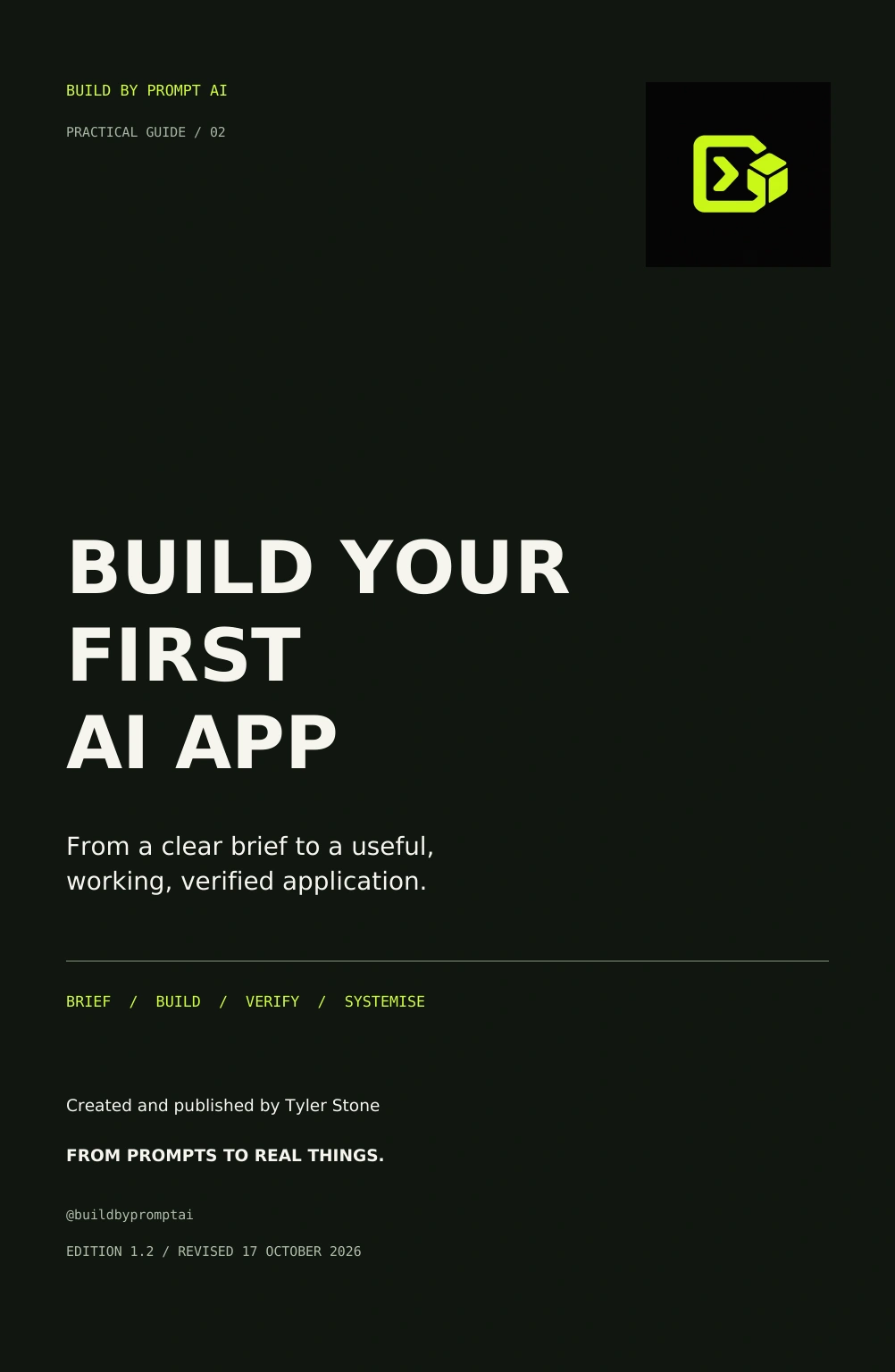
Build Your First AI App
That app idea you keep thinking about? Here’s where you start.
77-page PDF + companion ZIP£7.99Explore guideBUILD BY PROMPT AI
Preparing the page.
PRACTICAL AI EDUCATION
Websites. Images. Apps. Better ways to work.
Learn the skills behind them with clear instructions, worked examples and projects you can actually try.
Digital guides from £7.99Learn at your own pace.

THE COLLECTION
Choose a subject. Look through the contents. Make a start.
Checkout is opening soon. All guide details and previews are available to explore.
That app idea you keep thinking about? Here’s where you start.
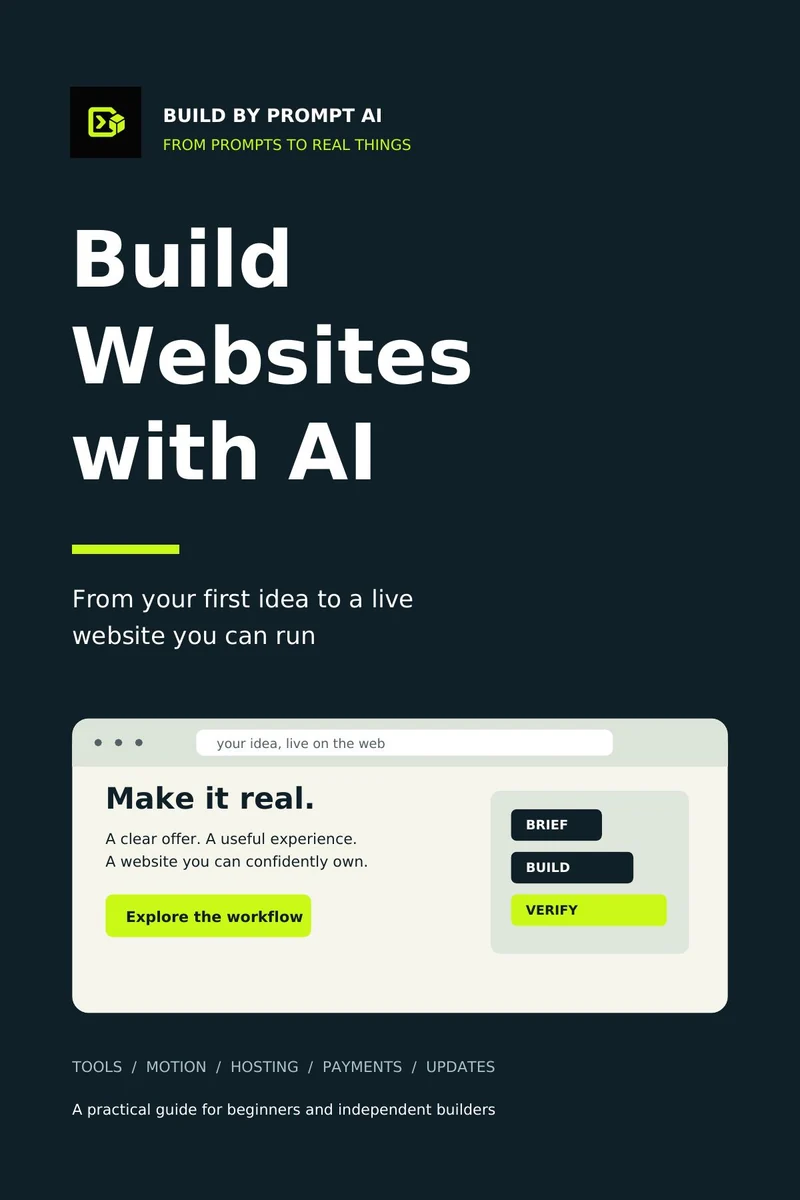
77-page PDF + companion ZIP£7.99Explore guideYour idea. Your website. Ready to run.
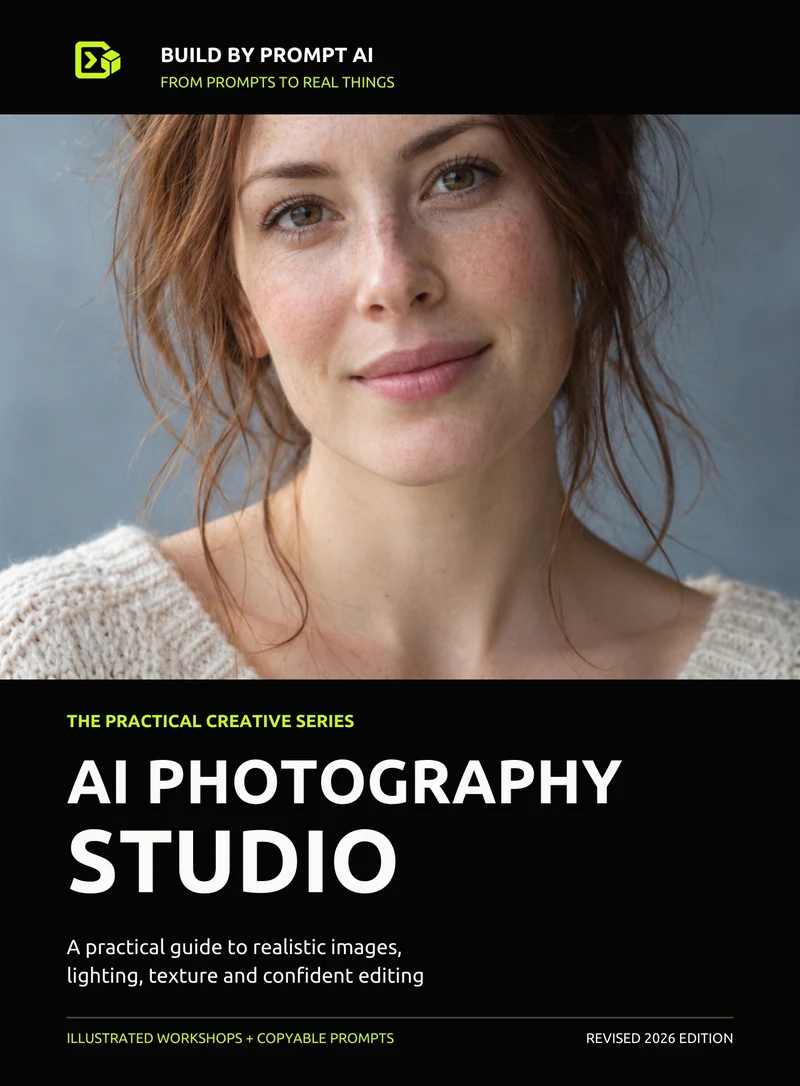
67-page PDF + EPUB + prompts & worksheets£7.99Explore guideThe picture in your head. Make it.
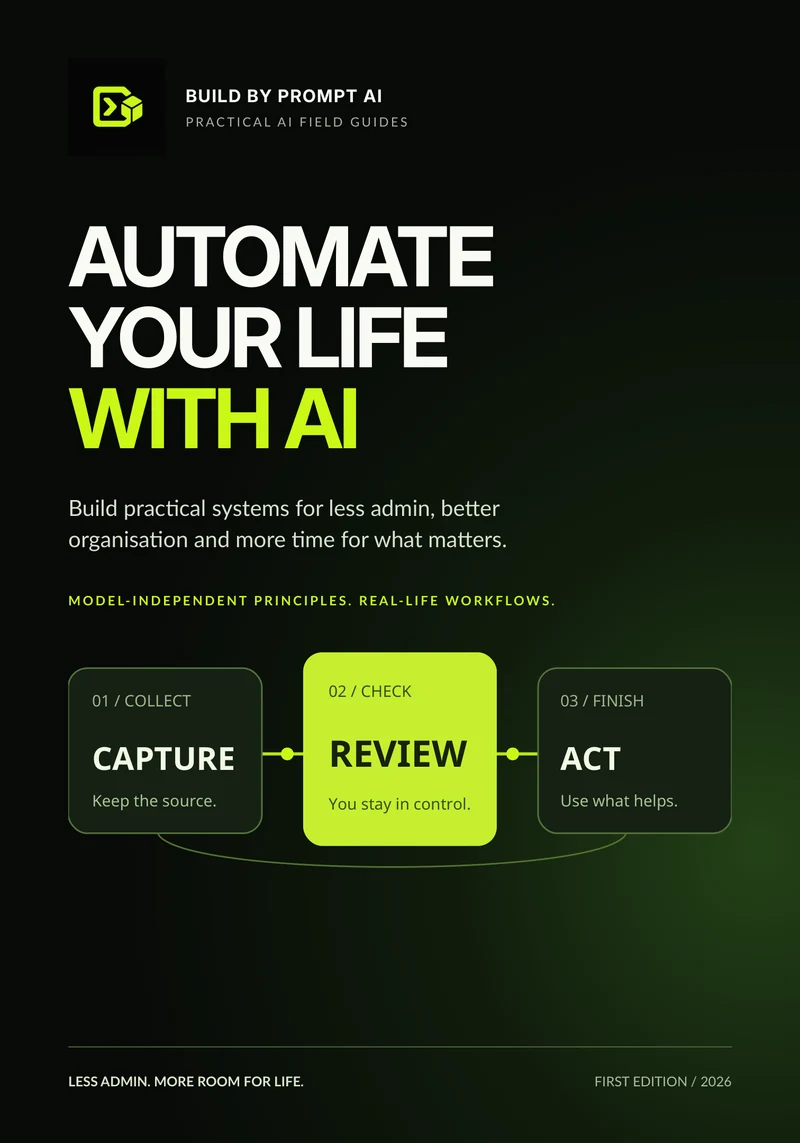
108-page PDF + EPUB + prompts + practice images£7.99Explore guideLess admin. More room for your life.
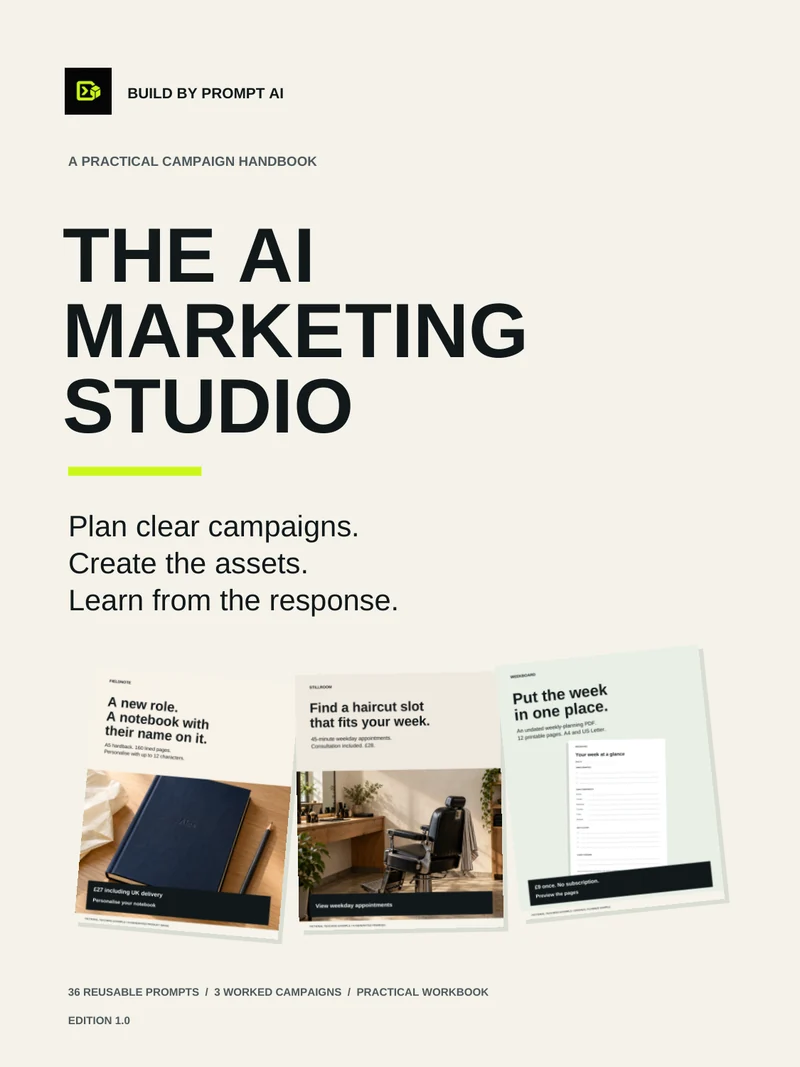
74-page PDF + EPUB + companion kit£7.99Explore guideGive your marketing a clear direction.
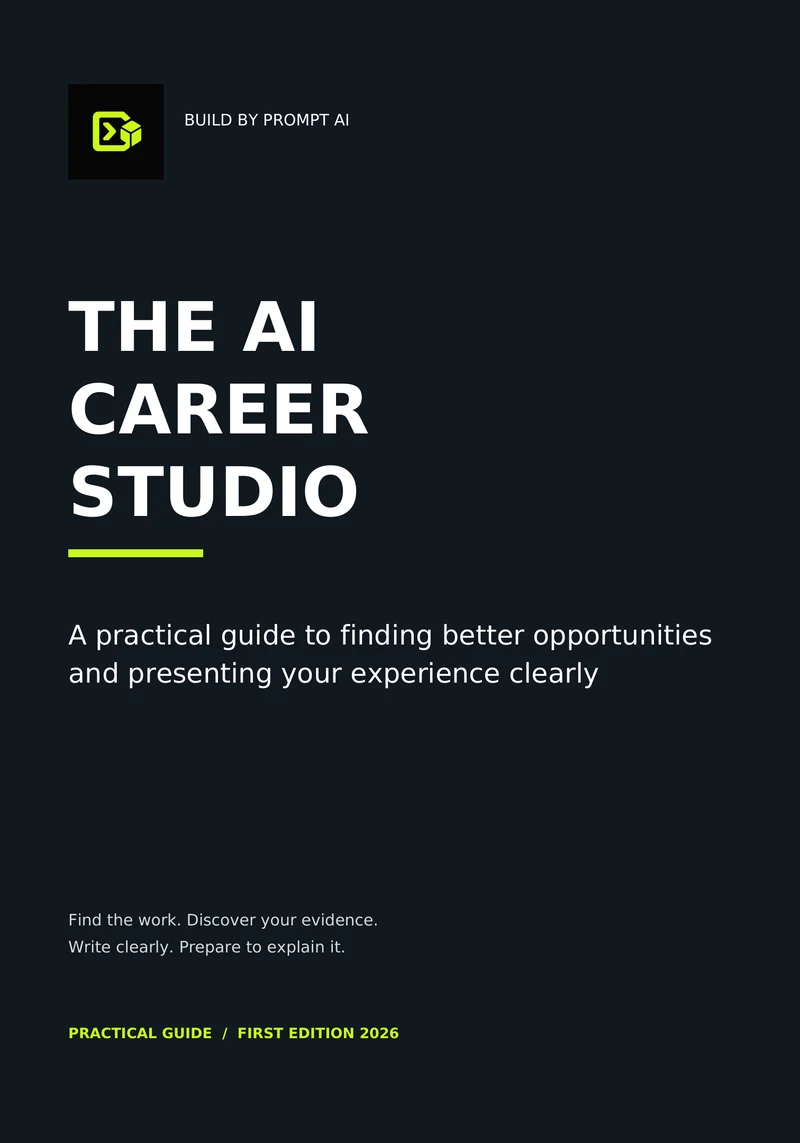
93-page PDF + EPUB + workbook + companion pack£7.99Explore guideYour experience has a story. Learn to tell it.
51-page PDF + EPUB + workbook + career toolkit£7.99Explore guideOPEN THE BOOK
Every project needs more than a clever prompt. Here are three actual pages from the Build Your First AI App guide: the example, the brief and the checks that follow.
Explore the complete guideThe real reference app, with a clear explanation of how its progress works.
A completed specification: the user, the actions and the boundaries.
Concrete tests that turn “it looks finished” into something you can verify.
Tick a task, add your own and see how progress responds. This is an illustrative preview of the project taught in the guide.
START SMALL
One person. A few projects. Tasks that can be ticked off. A progress bar that tells the truth. That’s a useful first app.
“Help me organise a reading club. Keep the projects, the tasks and the progress in one place.”
Interactive illustration of the guide’s project. Simplified for this page; changes reset when you leave. The full reference app is included with the guide.
A good book. A few friends. A first meeting.
THE WAY WE TEACH
Tools will change. Learning to give clear direction, make considered decisions and check the result gives you a useful foundation for whatever comes next.
More about Build By Prompt AIKnow what you’re making, who it’s for and what a good result needs to do.
Work in manageable stages. Make a first version you can try.
Check the facts and the details. Test whether the result does its job.
Keep the decisions and processes that worked. Use them on your next project.
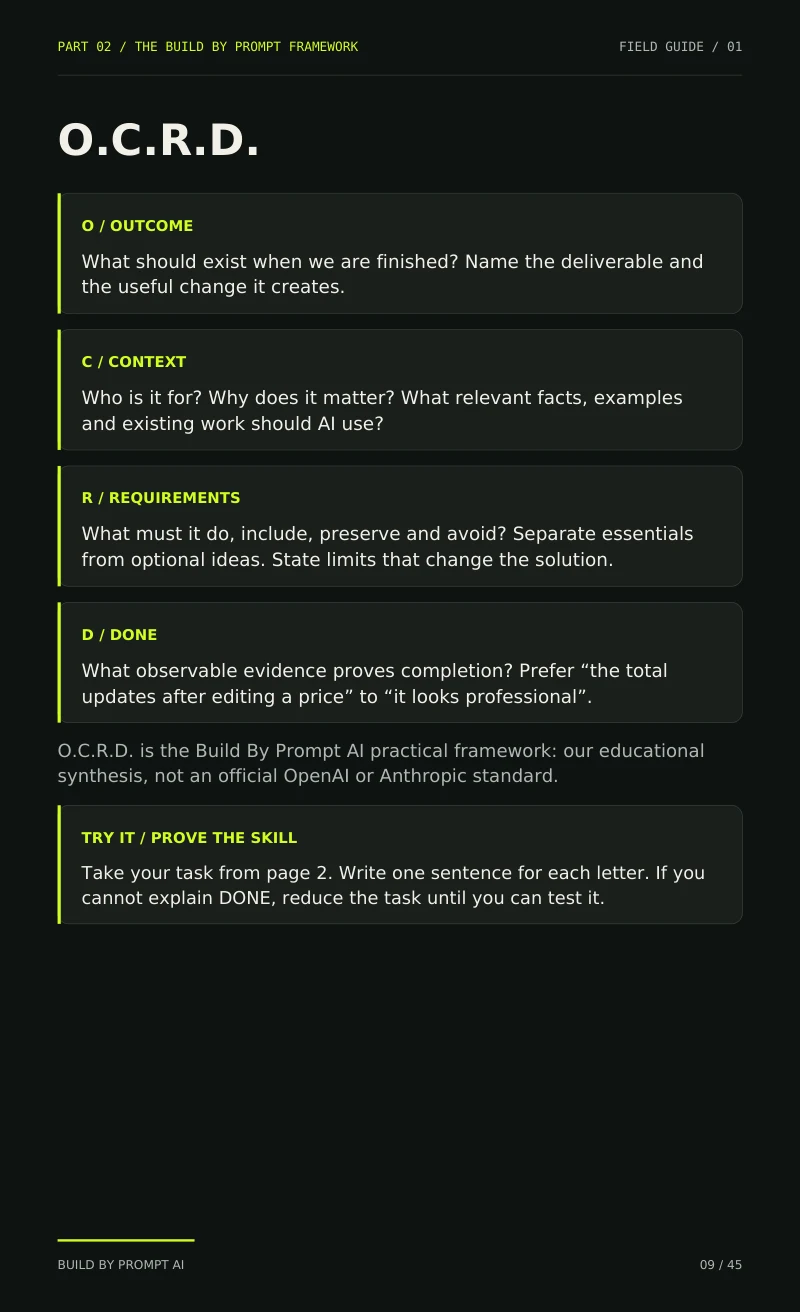
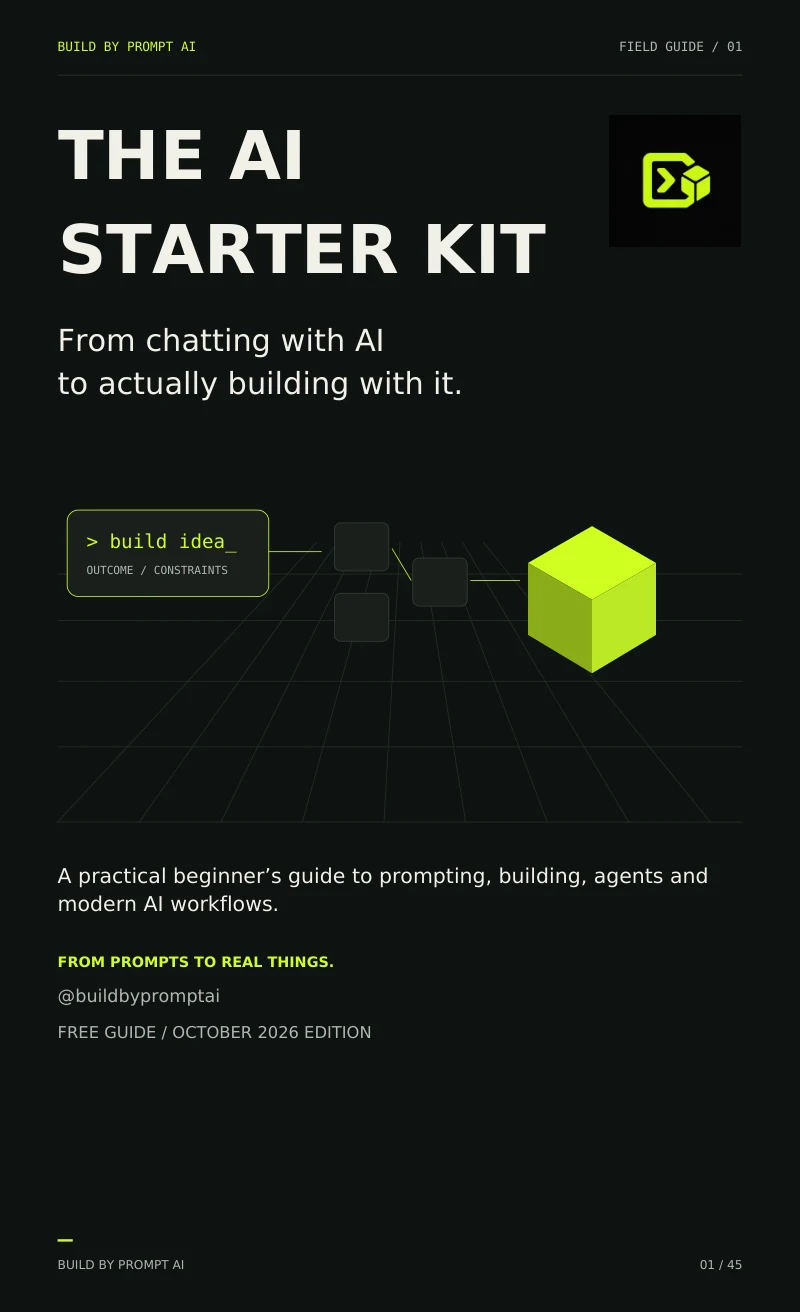 THE AI STARTER KIT / 45 PAGES
START HERE. IT’S FREE.
Get comfortable with better briefs, a small app exercise and practical ways to check AI’s work. The 45-page Starter Kit includes a seven-day challenge to help you put it into practice.
Get the free Starter KitNo payment. Marketing emails are optional.THE NOTEBOOK
A small change to your brief makes the result easier to judge. Try it on your next AI-assisted task.
Read the lessonRefresh it. Try an empty input. Undo a mistake. Small checks can reveal problems a convincing demo hides.
Read the lessonSwitch between the guides to try their illustrative previews. Each guide page sets out its exact contents and current availability.
Book 1 of 8: Build Your First AI App. Checkout opening soon.
BEGINNER / THE PRACTICAL GUIDE
That app idea you keep thinking about? Here’s where you start.
Build a personal project tracker with AI. Learn to brief it, make it work and check it — even if you’ve never written code.
WHAT YOU’LL WORK ONRead the details and sample pages now. Purchasing is not open yet.
BEFORE YOU BEGIN
Starting with Build Your First AI App? Here’s what to expect. Other guide pages have their own requirements and FAQs.
Talk to usNo prior coding knowledge is required. You’ll use AI to help write the app, then learn what the files do and how to check them. You do need to be willing to follow computer setup steps and work through mistakes.
Yes, if you’re comfortable using a Windows or Mac computer and ready to practise. The guide introduces the setup and explains unfamiliar terms. You don’t need to read the free Starter Kit first, and this is not a phone-only tutorial.
A paid AI plan is optional. The guide uses ChatGPT or Claude; free-access limits may interrupt a build. You’ll also need VS Code, Python 3.9 or newer, and Chrome or Edge. Third-party services have their own terms and possible costs. The local tracker itself makes no AI API calls.
Edition 1.2 includes a 77-page PDF and the complete companion ZIP: editable worksheets, copyable instructions, reference-app source and worked debugging examples. This is a self-paced written guide, with files to work alongside it.
The optional “Go live” chapter introduces hosting a finished local build as a website. It also explains home-screen and app-store routes. Hosting, domains and app-store accounts may have separate costs. This is not a complete app-store launch course or a guarantee of approval.
The guide includes debugging steps, two worked fault labs, checkpoints and a reference app to compare with your own. For purchase or download problems, use the Contact page. Personal coding tuition, ongoing technical support and a continuing update commitment are not included.
Once payment is confirmed, download the PDF and ZIP from the confirmation page or My purchases. Return using the same ChatGPT account you used at checkout. Save your own copies so you can keep working offline; an email receipt is not required to retrieve your files.
YOUR NEXT CHAPTER
Choose something you want to make. We’ll help you find the first step.